Maybe we can help?
Echotest
What is an echotest?
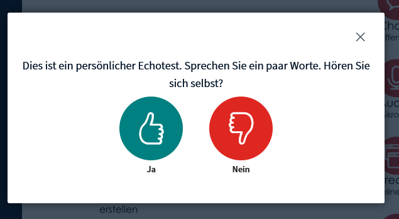
- If you want to join a conference call using a microphone, you will first be connected to an echo test. (see Image 1)
- Here, you can say a few words to check if you can hear yourself and how clearly.
- Don’t worry: This test is only audible to you; other participants won’t hear a thing! (see Image 2)
- If you can hear yourself clearly, click the green thumbs-up icon to join the conference.
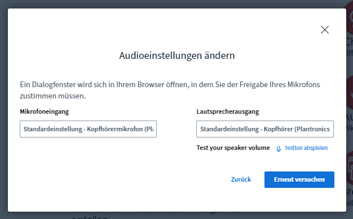
- If you can’t hear yourself clearly, click the red thumbs-down icon.
- A “Change Audio Settings” window will then open, where you can configure your microphone and output device. (see Figure 3)
- Once everything is working, you can join the conference.