Wie können wir helfen?
How can I find files in a chat room?
By default, you can find shared files in the corresponding message. If a message contains a file, it is automatically displayed as an attachment for all users. This also applies to shared links and similar items.
However, you can find messages, files, and links not only in the message history timeline. You can also access them via the quick access option in the navigation bar.
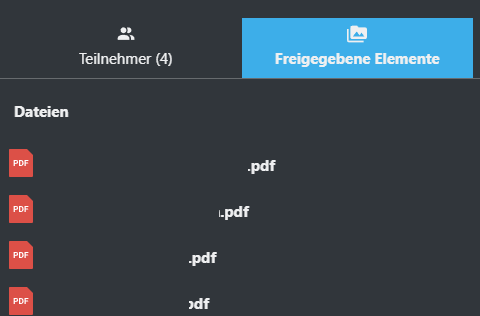
The navigation bar is located on the right side of the screen and, by default, displays an overview of the conversation participants. If you click the “Shared Items” button in this navigation bar, all items already shared in the conversation will be listed. Clicking on the desired file opens a preview window where you can view the file.